Up to 25 funds
Target, due date and starting balance for each.

Ready-made spreadsheet for Excel and Google Sheets: up to 25 funds with target and due date, monthly amount to save, balance from a deposit log and % funded.
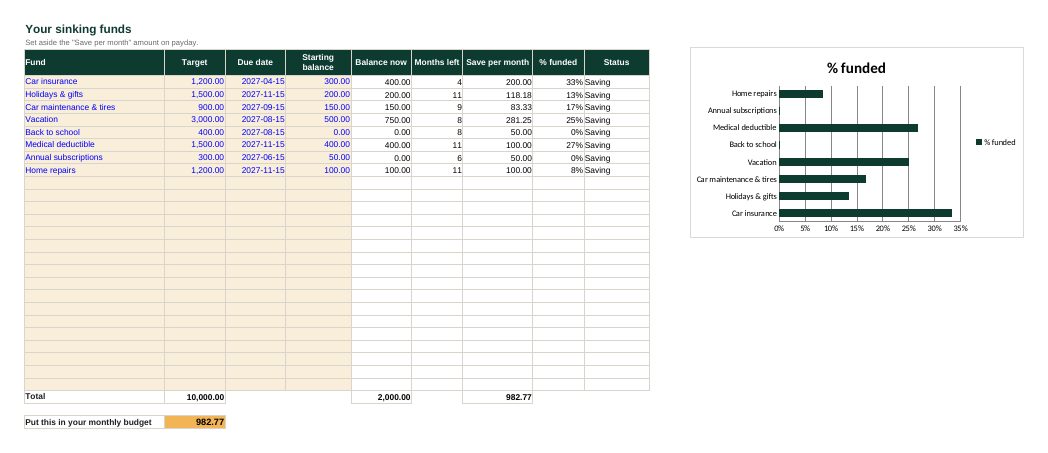
Target, due date and starting balance for each.
Exactly how much to set aside for each fund, and the total for your budget.
Balances update by themselves.
Funded, saving or due now, with % funded.
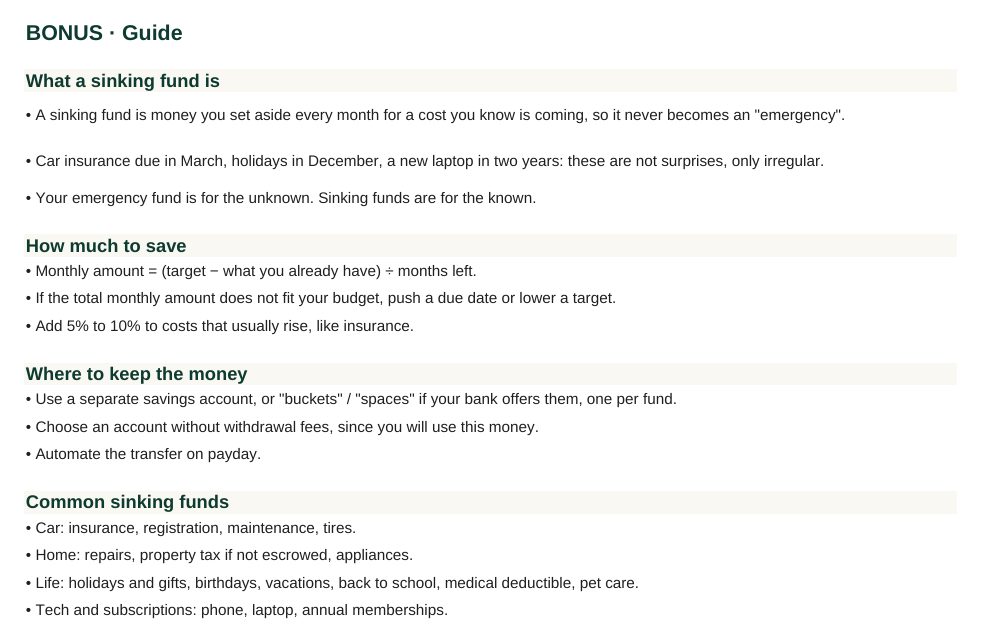
What a sinking fund is, the common ones and how to set them up with your bank.
10 steps to set up your funds.
The one monthly total to add to your budget.
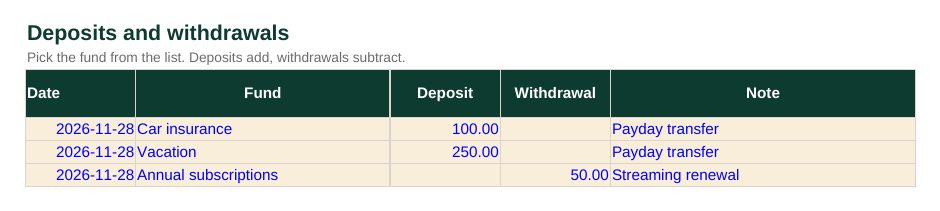
It uses the same tested formulas as the Calcula Daily calculators. Every version goes through an automatic check before release: zero formula errors.
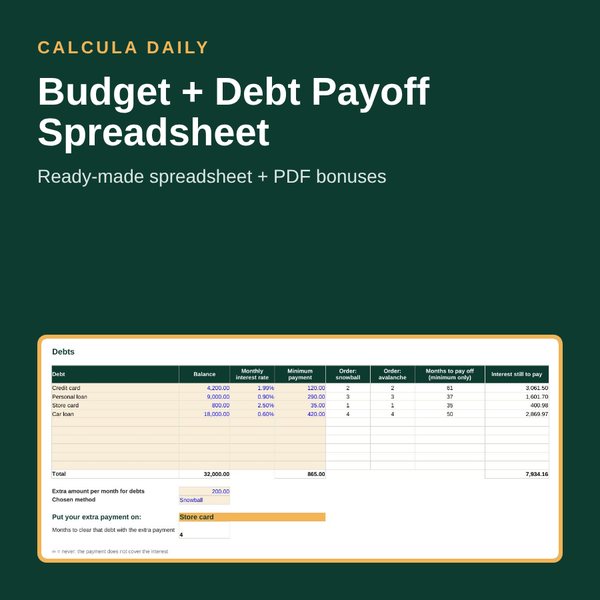
A full-year budget and a plan to pay off your debts, with the snowball and avalanche methods.
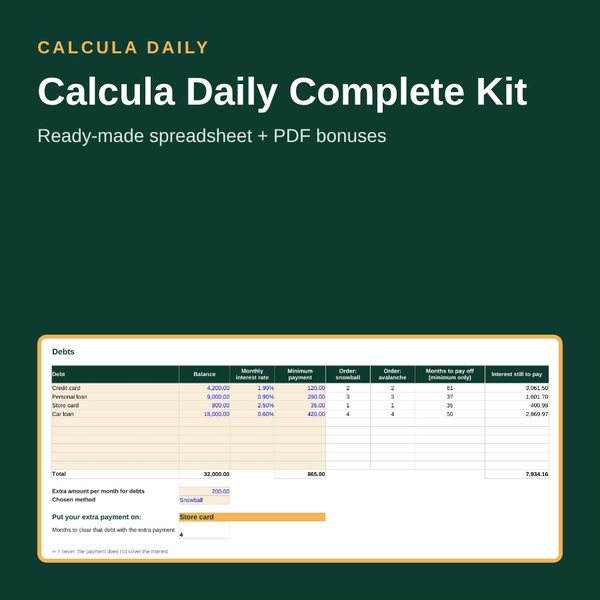
Every spreadsheet in the shop in one bundle, with all the PDF guides, checklists and bonus simulators.
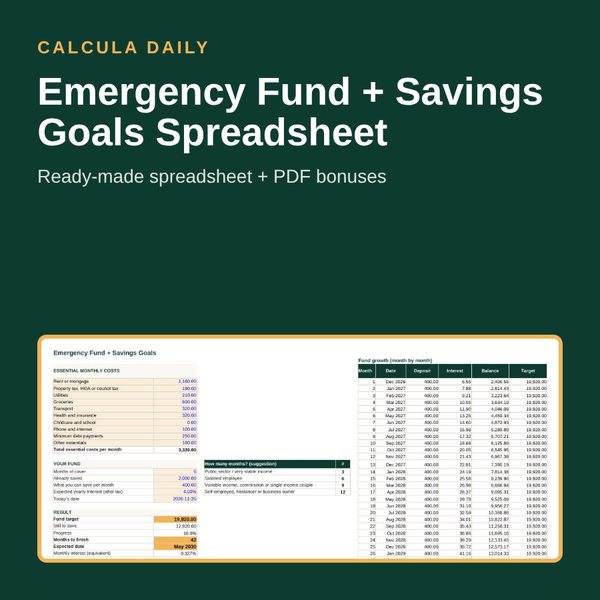
Find out how much to save, where to keep it and the month your emergency fund is ready.
The emergency fund is for the unknown; sinking funds are for costs you already know are coming.
No. It works in free Google Sheets, and also in Excel, LibreOffice and Numbers.
Yes, with the Google Sheets or Excel app.
No. It works in Google Sheets, which is free, and in LibreOffice and Numbers.
Instantly, by email, right after you pay.
You have 7 days to ask for a full refund, no questions asked.
Yes. It works with any currency.
A Calcula Daily product. The calculators on the site stay free and complete.